
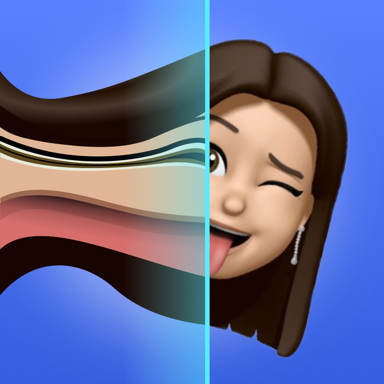
Time Warp Scan
The blue-line scan effect, on your camera
Freeze motion with the viral blue-line scan, bend faces with Smart Face Effects and save clean, watermark-free photos and videos.
What it does
TimeWarp, in three parts.
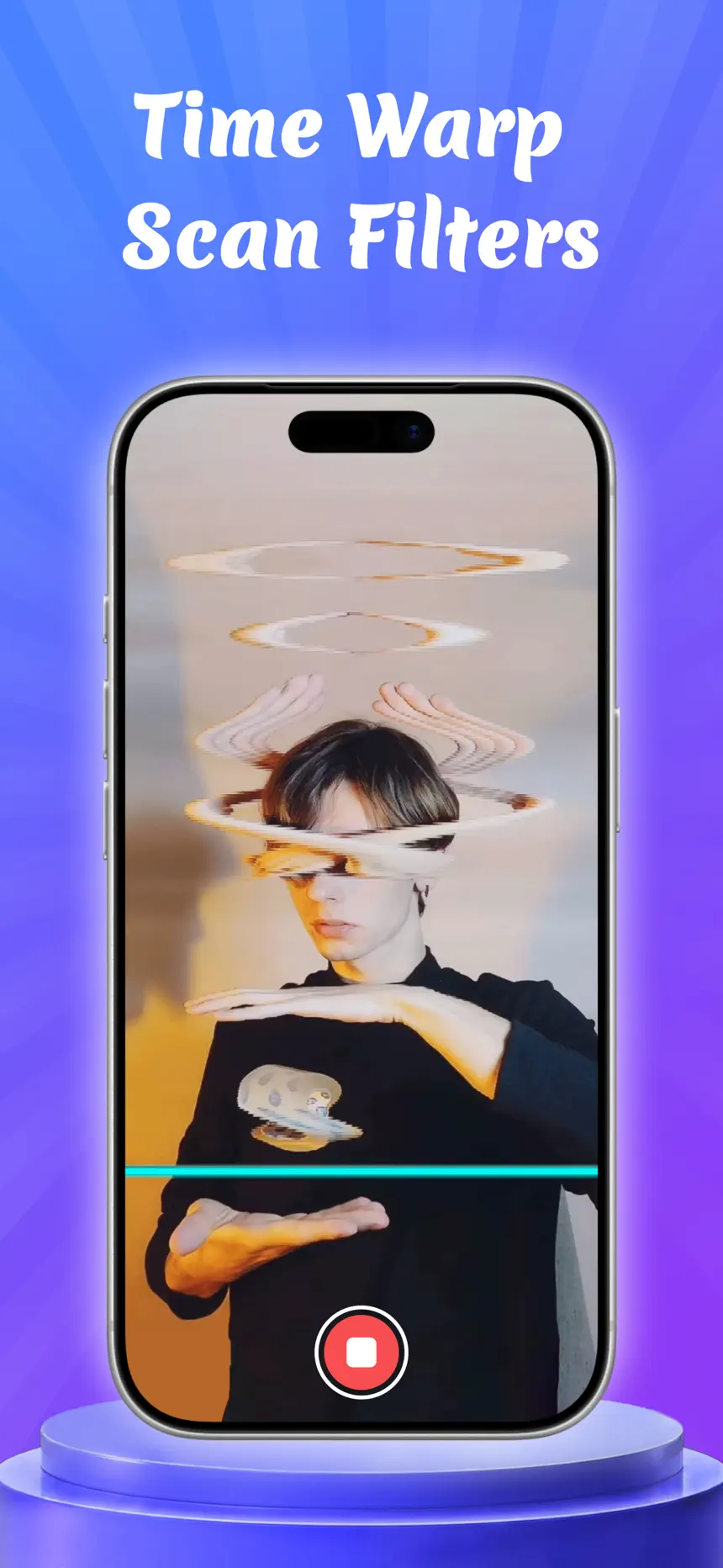
Blue-line scan
A scan bar sweeps the frame and freezes whatever it passes. Pick the direction with a tap and set the speed you like.
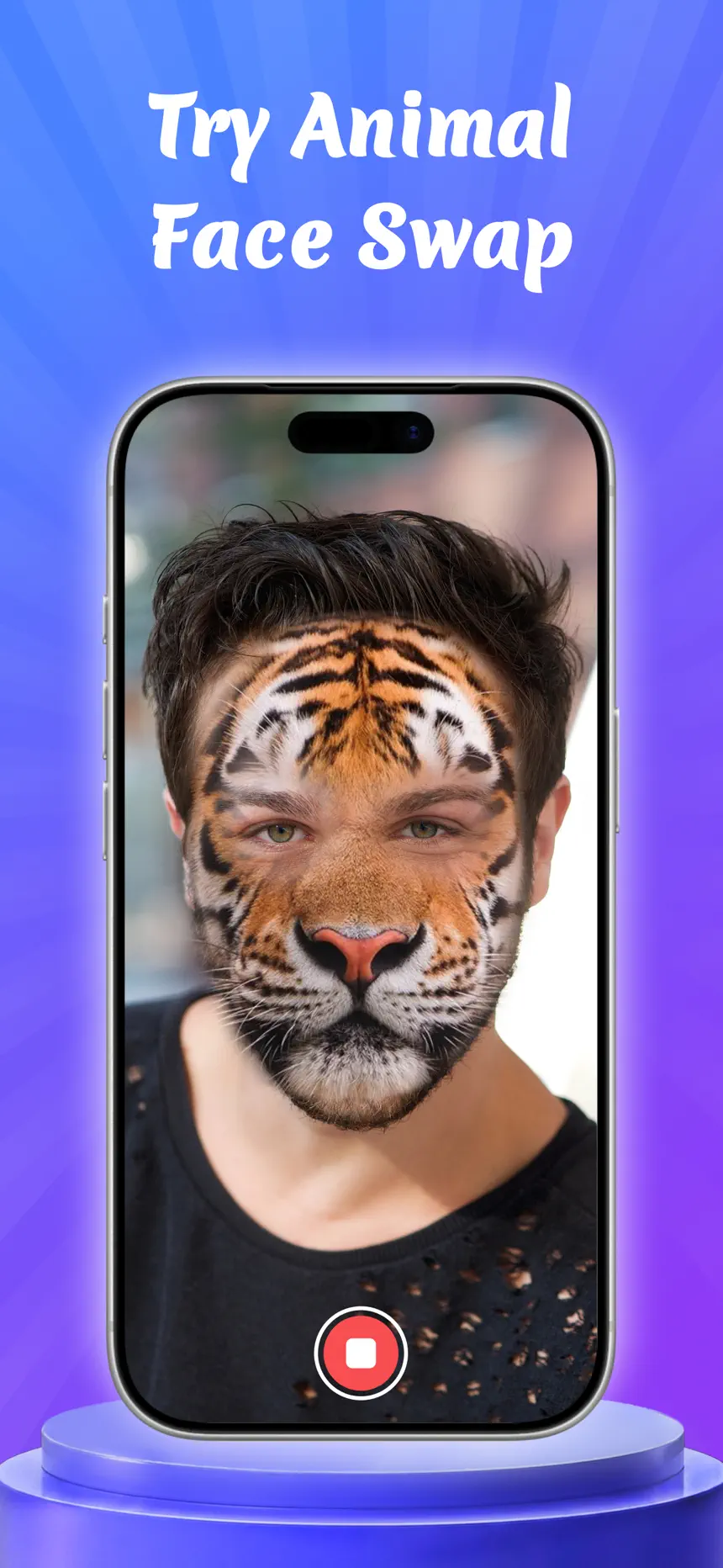
Waterfall Flow and Smart Face
Add a smooth, flowing distortion while you film, or transform your face with playful overlays.
No watermark
Photos and videos save straight to your library, clean and ready to post or send to friends.
A closer look.
Scroll sideways to see more screens.




Support
Questions about TimeWarp.
Write to support@apptrainings.com and our team will get back to you.
Does TimeWarp add a watermark?
No. Everything you capture saves to your photo library without a watermark.
Can I change the scan direction and speed?
Yes. Tap to switch between vertical and horizontal scans, and use the speed control before you start recording.
How do I cancel a subscription?
Open the Settings app on your iPhone, tap your name, then Subscriptions, choose TimeWarp and tap Cancel Subscription.